
What is Secure Remote Worker?
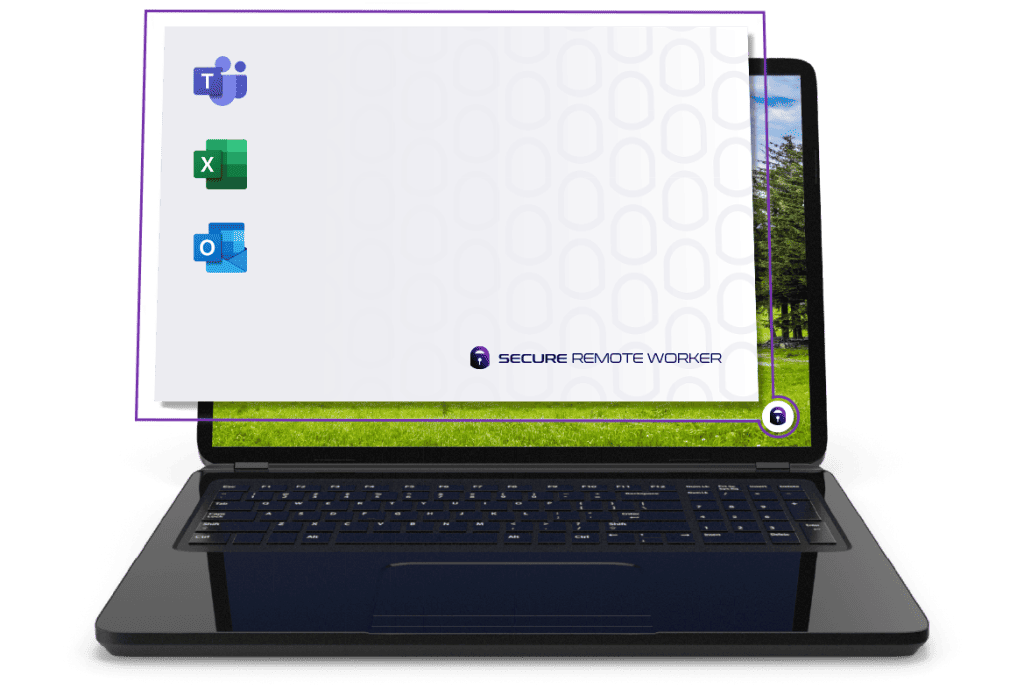
A software-based solution that locks down a user’s personal Windows device to deliver a secure and compliant BYOD workspace.
A secure, temporary workspace on any Windows device
When Secure Remote Worker is launched on the user’s personal Windows device, the user is temporarily placed in a secure, isolated workspace session.
Lockdown policies are applied to this session and access to the underlying operating system is removed.
Once the user exits Secure Remote Worker, lockdown policies are removed and access to the underlying OS is restored.
Key features
Segregates personal and corporate data to stop contamination
Prevents corporate data being saved to the personal device
Software-based: no dual-booting or USB drives needed
Single-click installer for fast deployment and onboarding
Execution prevent stops malware & unathorized apps / services
USB storage filter, watermarking, data encryption and more
How does SRW work?
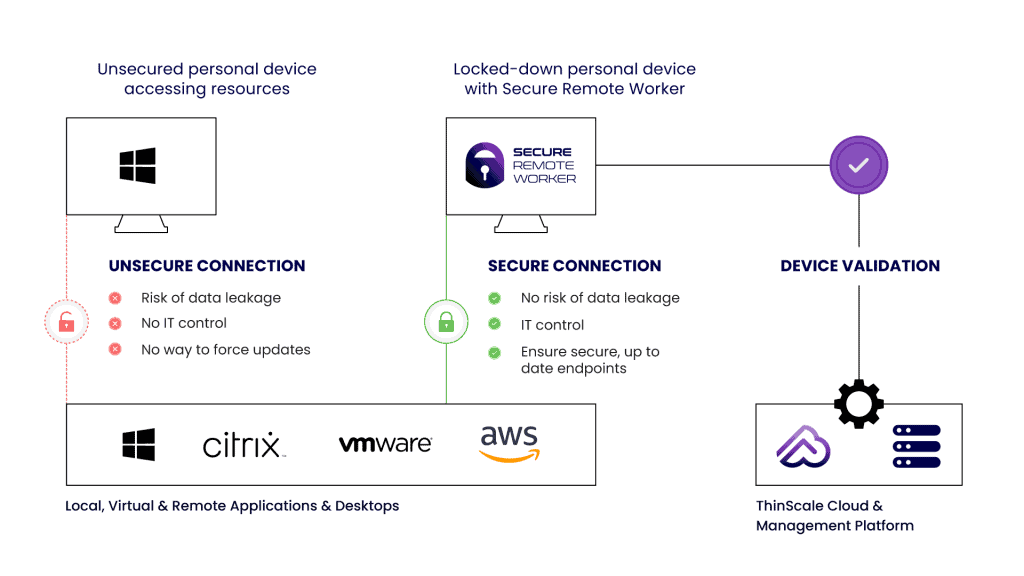
Employee is logged into a corporate profile within a secure workspace with no admin privileges, where they access VDI / DaaS or local applications.
All data created during the secure session is saved to a hidden, BitLocker encrypted temporary drive that cannot be read by unapproved processes.





Dev Mudaliar
Global CIO, Teleperformance
Product architecture
Frequently asked questions
Learn more about Secure Remote Worker
Yes, customers have the option to utilize the ThinScale Cloud or host their own management server.